Screen time
See how long you were really at your PC.
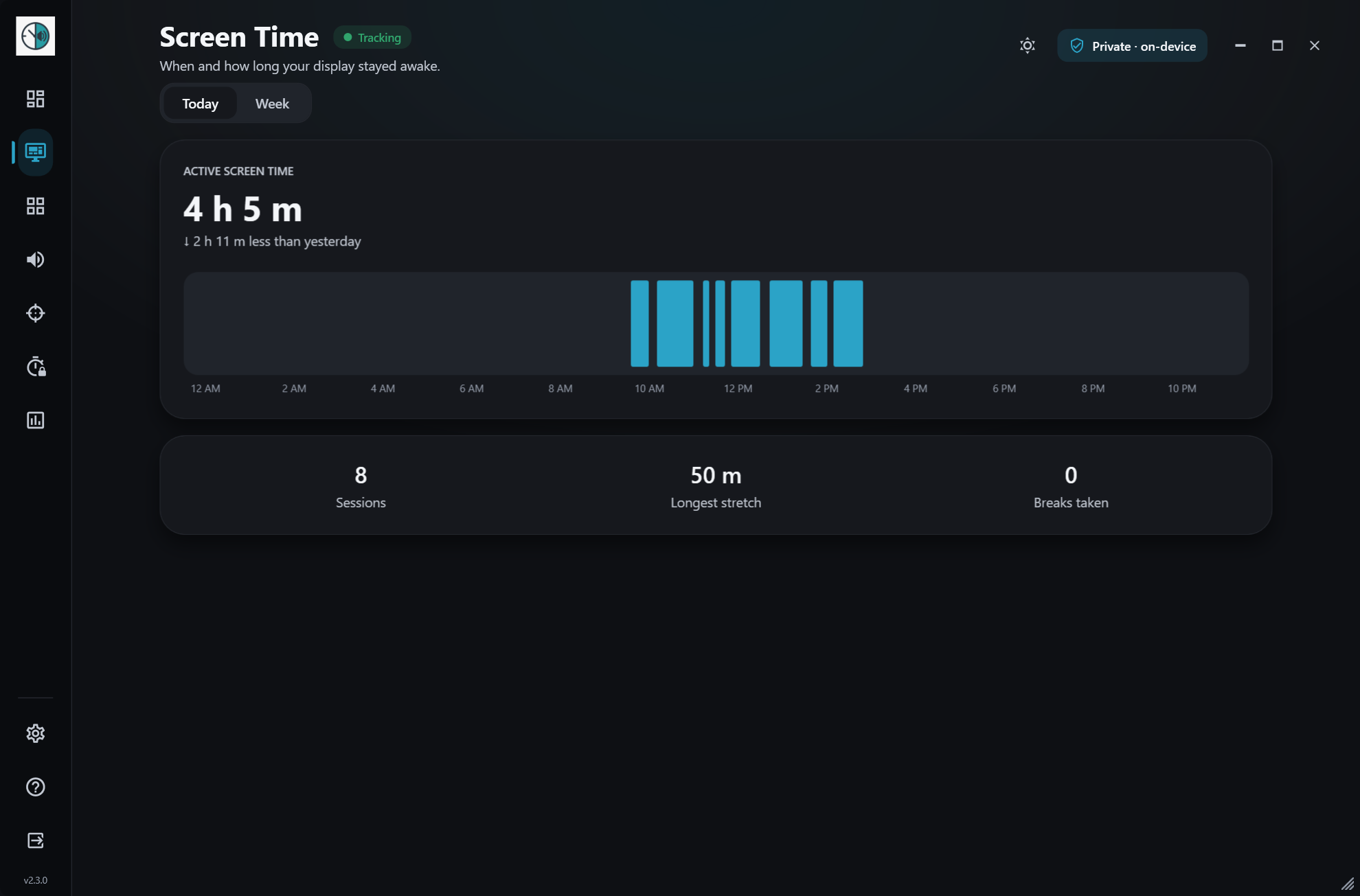
Pulse separates active time from time away, so a lunch break or a meeting doesn’t count. Check today, this week or any past week. Free, like everything else in Pulse.
How it works
- 1
Runs quietly
Pulse sits in the system tray and counts while you use your PC.
- 2
Knows when you’re away
After 5 minutes without input it stops counting, and it pauses when your PC is locked or asleep.
- 3
Shows the pattern
Open Screen time to see today, page back through past weeks, or jump to any date.
What you get
- Today, weekly and past-week views
- Daily totals, longest sessions and weekly averages
- Pauses after 5 minutes away, unless you’re watching or listening
Works well with
Try screen time today.
Free for Windows 10 & 11 · no account needed