Features
Everything Pulse does. All of it free.
Tools for a healthier relationship with your PC. Nothing is locked behind a paywall, and nothing leaves your computer.
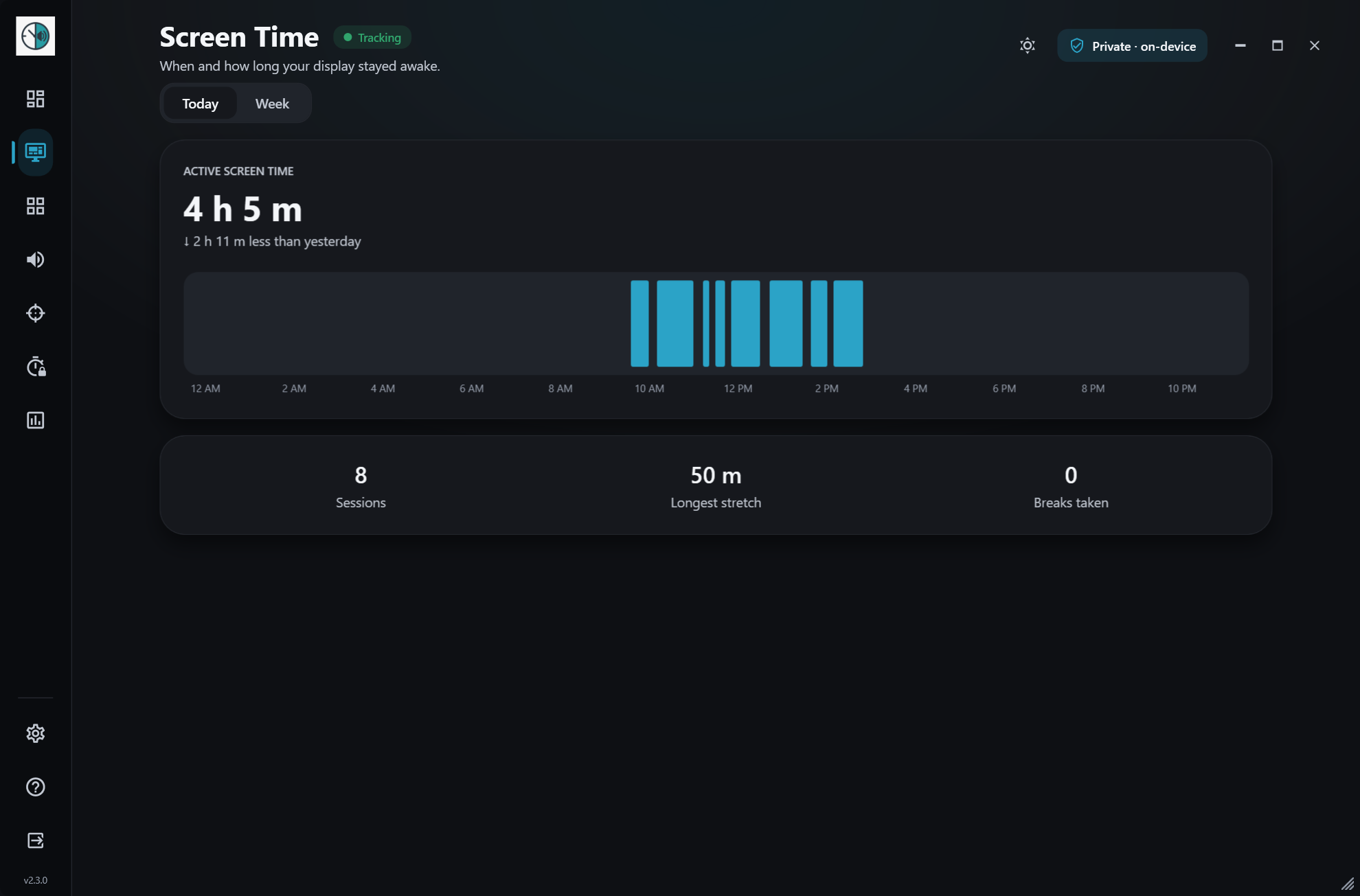
Screen time
Pulse separates active time from time away, so a lunch break or a meeting doesn’t count. Check today, this week or any past week.
- Today, weekly and past-week views
- Daily totals, longest sessions and weekly averages
- Pauses after 5 minutes away, unless you’re watching or listening
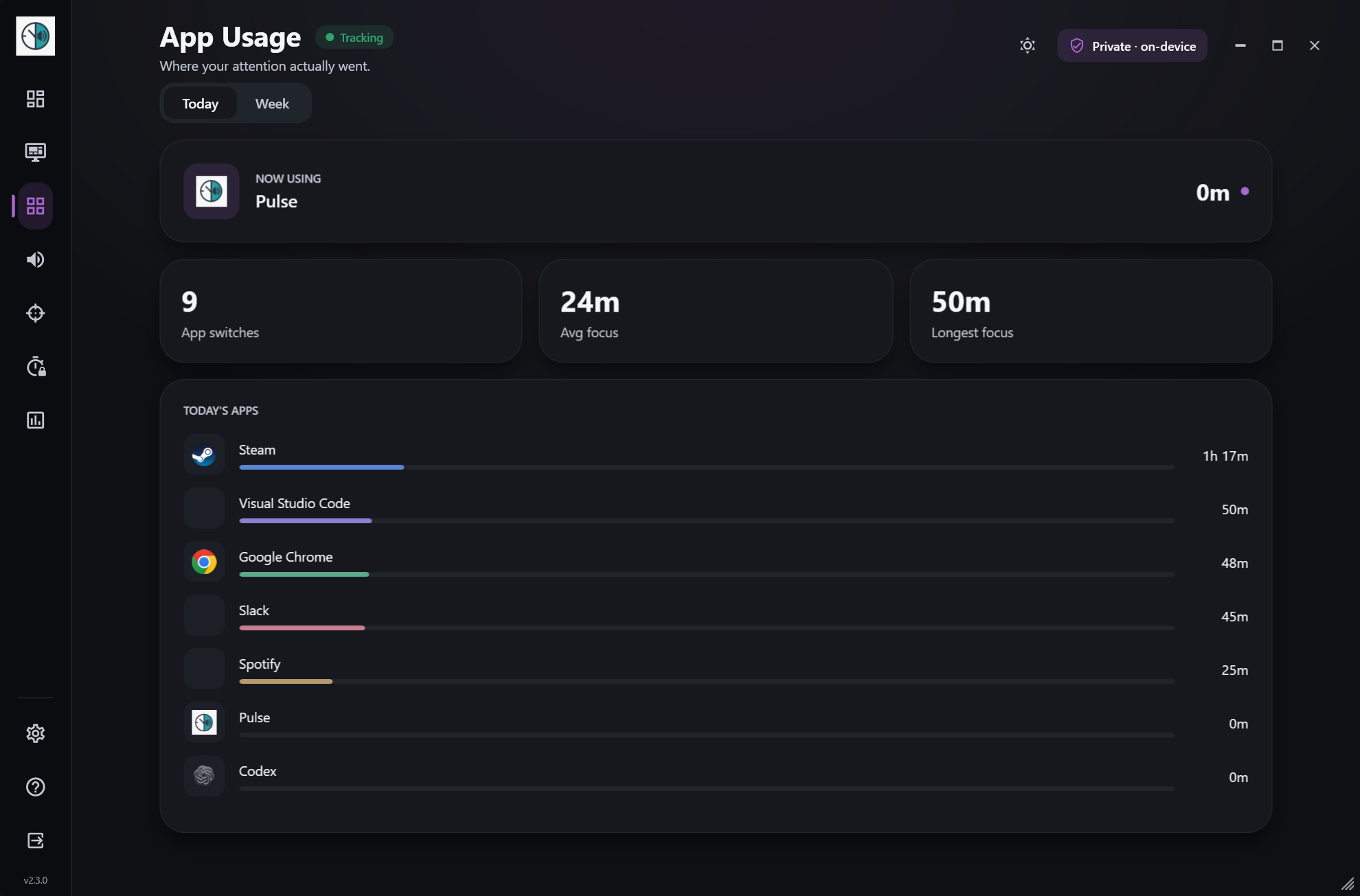
App usage
Every app you used, ranked by time, with friendly names and icons instead of cryptic process names. See how often you switch and how long you stay.
- Top apps ranked by time, with icons
- App switches and average focus per app
- Common apps pre-tagged as Work or Entertainment
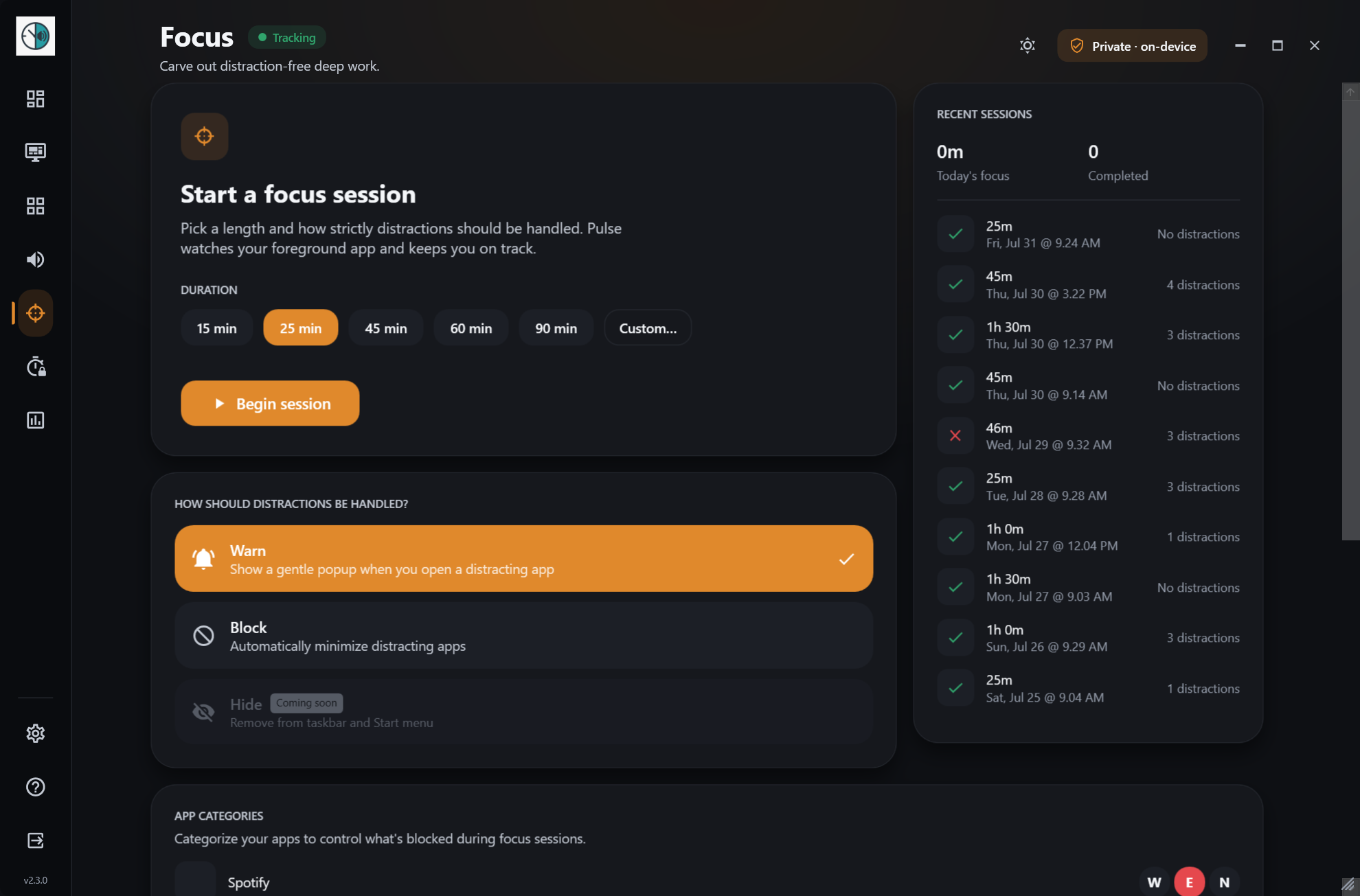
Focus sessions
Set a timer, tell Pulse which apps tend to pull you away, and it will nudge you or minimize them until the session ends.
- 15, 25, 45, 60 or 90 minutes, or your own length
- Warn mode nudges you, Block mode minimizes distractions
- Full session history, and it can start with Windows Focus
App limits
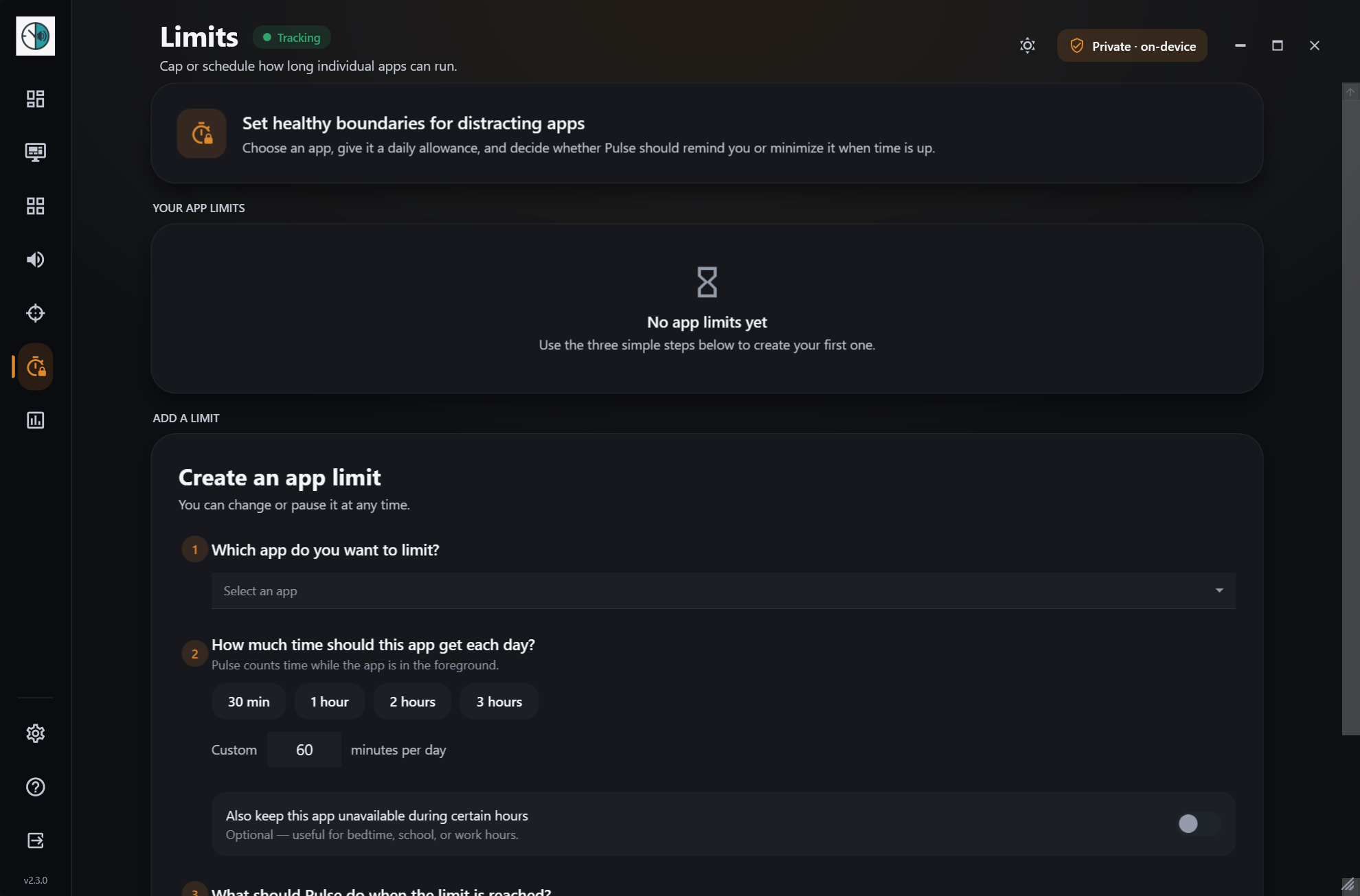
Set a daily allowance or hours when an app is off limits. When time is up, Pulse can remind you gently or minimize the app for you.
- Daily time allowance per app
- Unavailable hours, such as evenings
- Remind or minimize, and pause a limit any time
Hearing
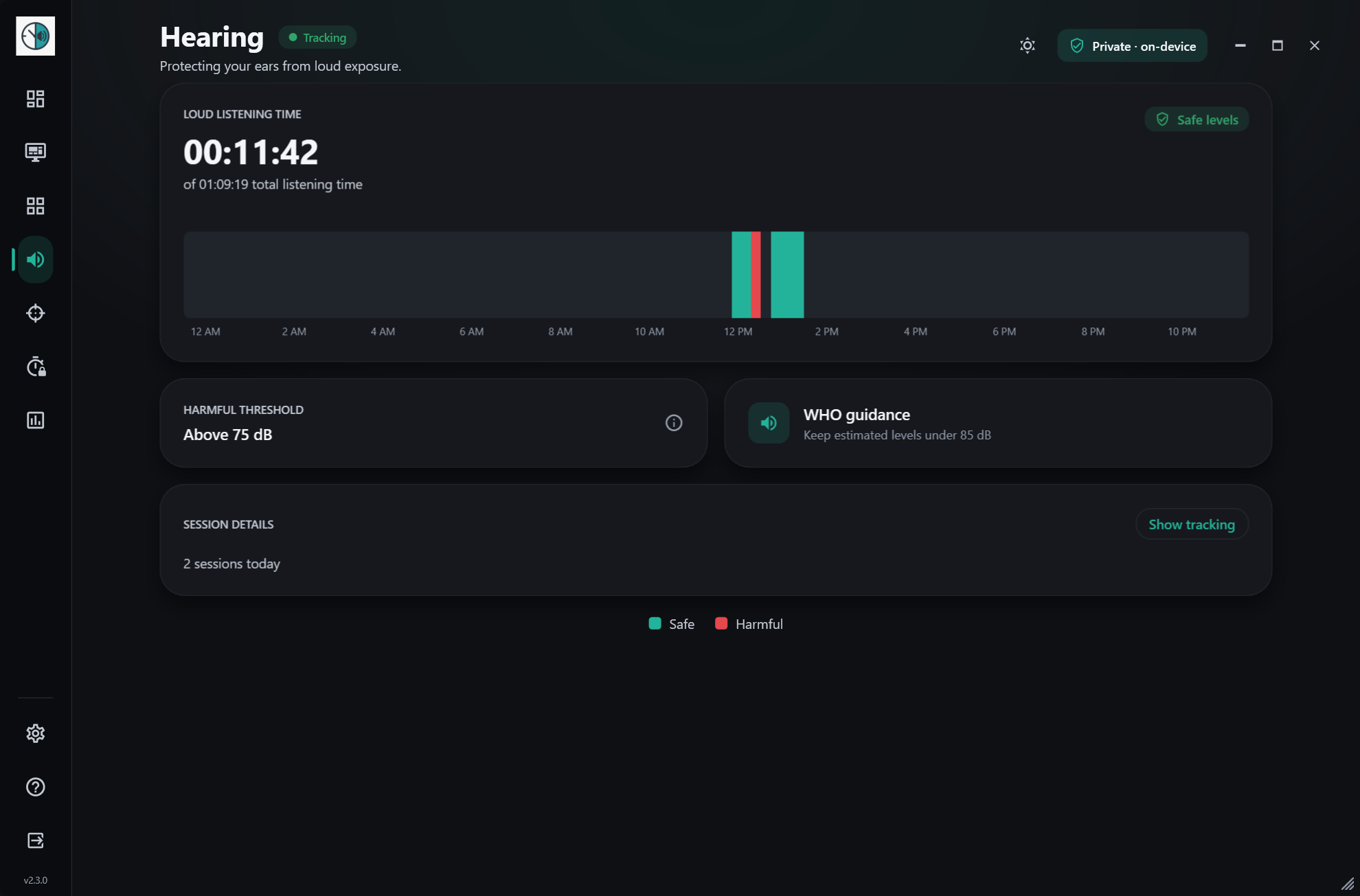
Long hours in headphones add up. Pulse estimates your listening level from the system volume and shows how long you spent above 75 dB.
- Listening level estimated from system output
- Time above 75 dB flagged
- Never records audio, never touches the microphone
Weekly insights
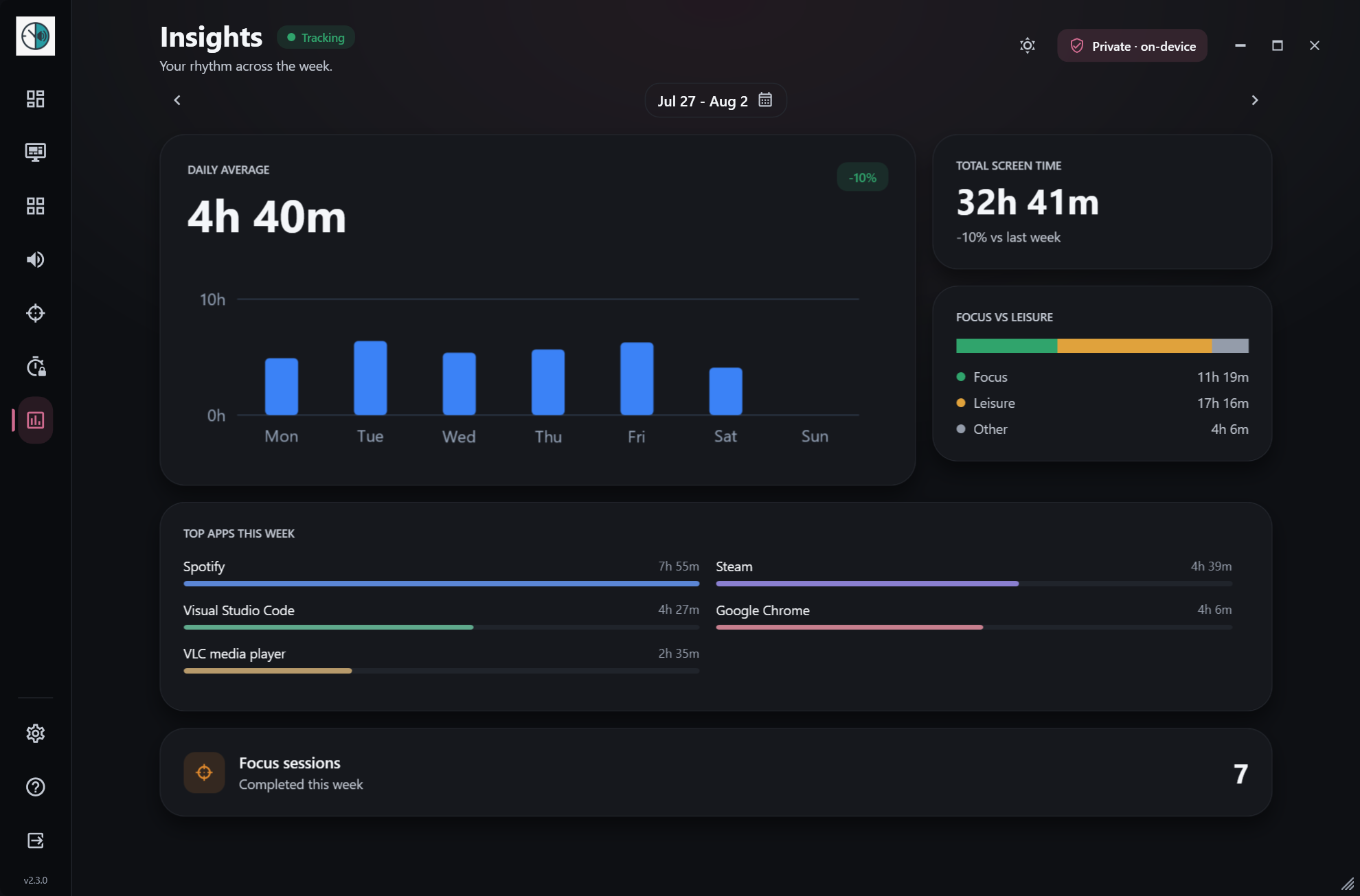
Once a week Pulse shows your daily average, the hours you’re busiest, your top apps, and how this week compares with the last.
- Daily averages and peak usage times
- Top apps of the week
- Week-over-week comparison and daily goals
And a few quiet extras
Breaks & wind down
Pulse reminds you to look away using the 20-20-20 rule, and in the evening a soft border glow tells you it’s time to wind down.
Your language
Pulse follows your Windows display language, or you can pick one in Settings. Dates, times and chart labels follow the language too.
Private by design
No account, no cloud, no telemetry. Everything stays in a local database on your PC. Read how →
Every feature, free. Ready in a minute.
Windows 10 & 11 · no admin rights · no account · updates itself